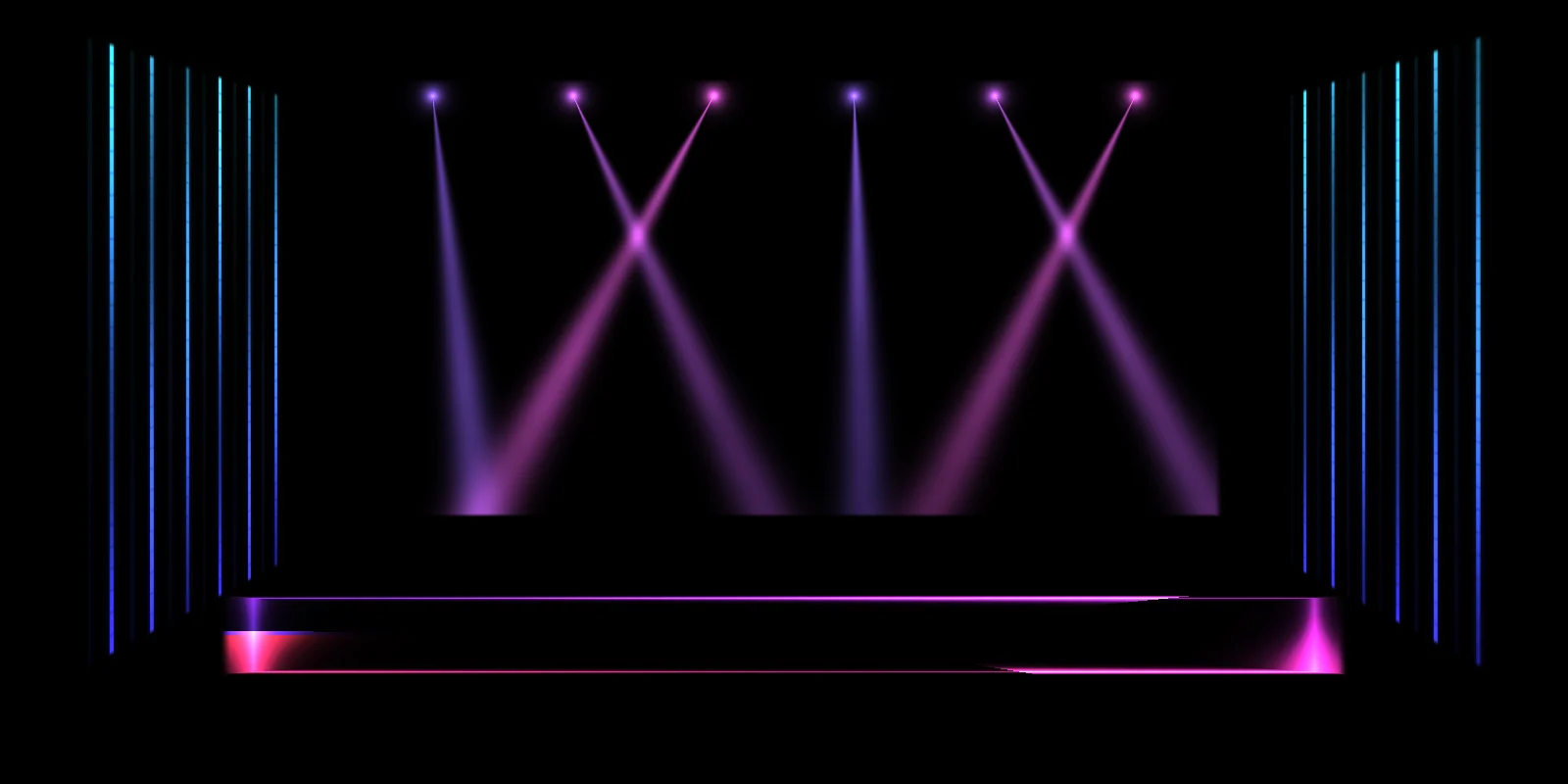
Concerts and clubs
Moving-head beams, LED walls and light bars on a backdrop, a DJ booth or a truss. Turn on the mic and they hit with the kick drum.
Stage · DJ boothStages, building facades, galleries, classrooms, shop windows, even a wedding cake. Trace each surface in your browser, give it its own real-time animation, and run the show from a laptop, tablet or phone.
Free plan · No account · Nothing to install
Live render
01Use cases
If a projector can reach it, you can map it. Each surface gets its own animation, cut to its exact shape, so the picture follows the set instead of spilling over it.
Moving-head beams, LED walls and light bars on a backdrop, a DJ booth or a truss. Turn on the mic and they hit with the kick drum.
Stage · DJ booth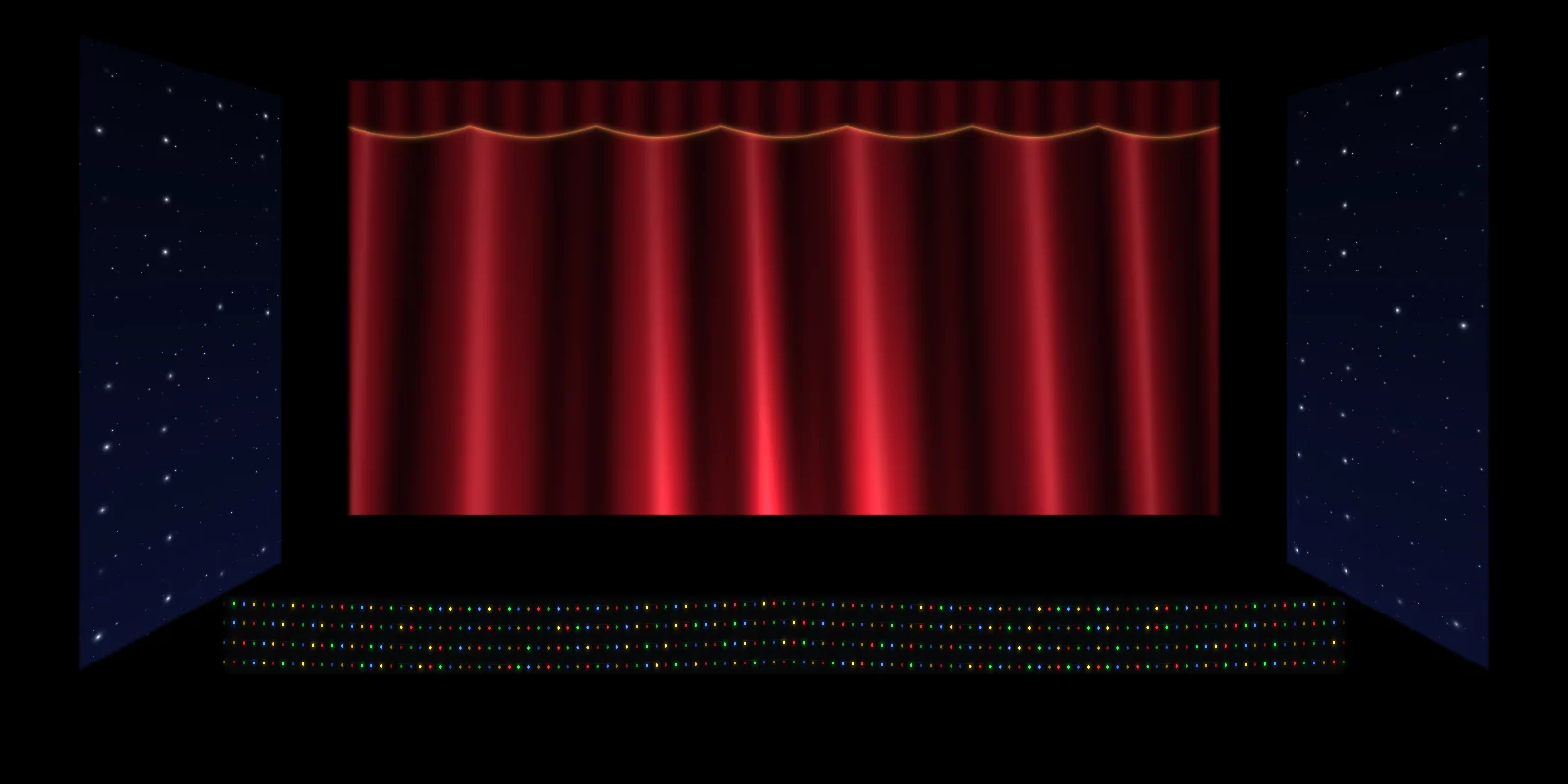
A curtain, follow spots or a night sky on the set flats. Save a look per scene and crossfade on cue.
Stage · Three panels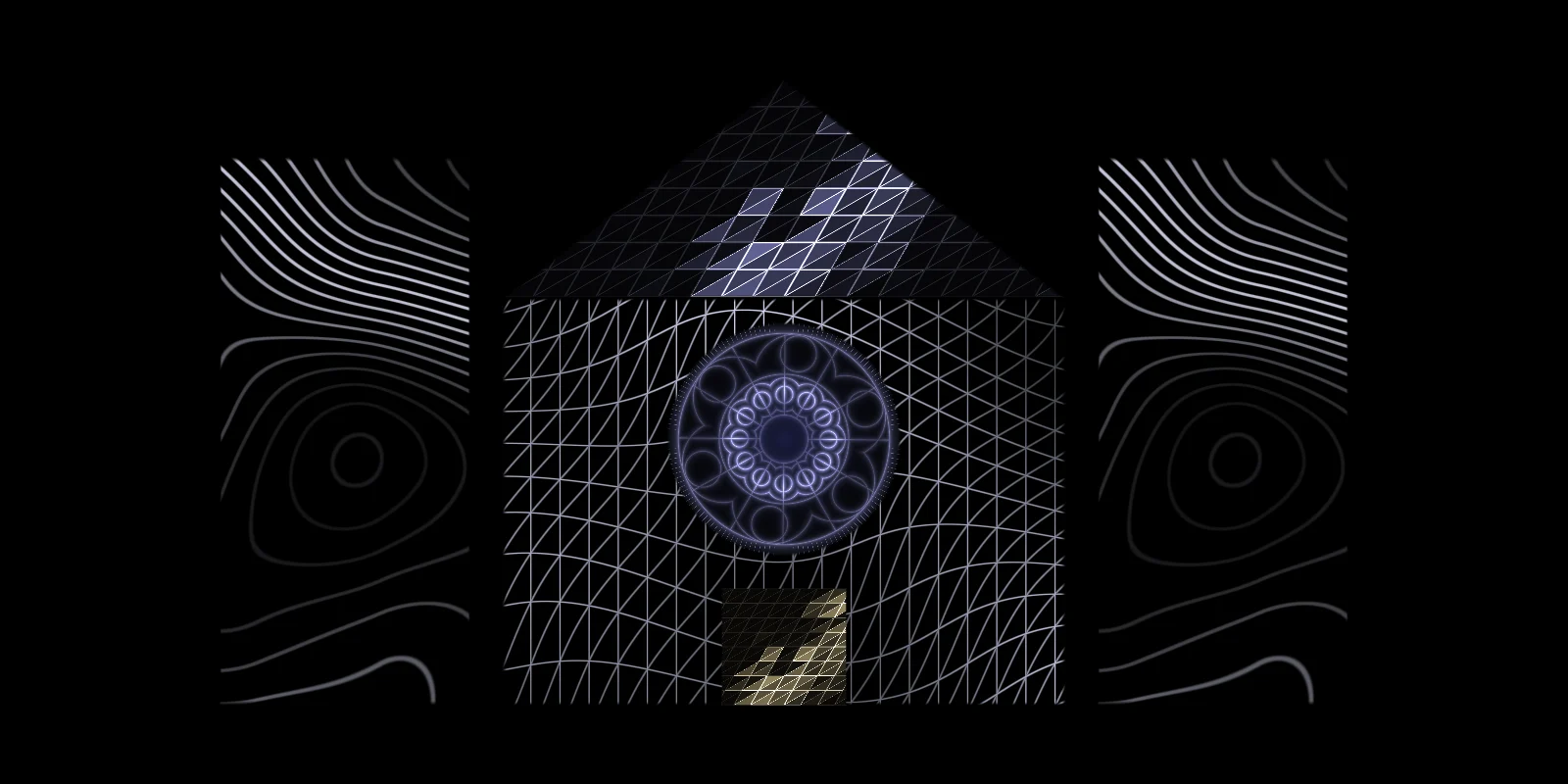
Towers, gables and a rose window, each with its own line art, so the light follows the architecture instead of washing over it.
Building facade · Columns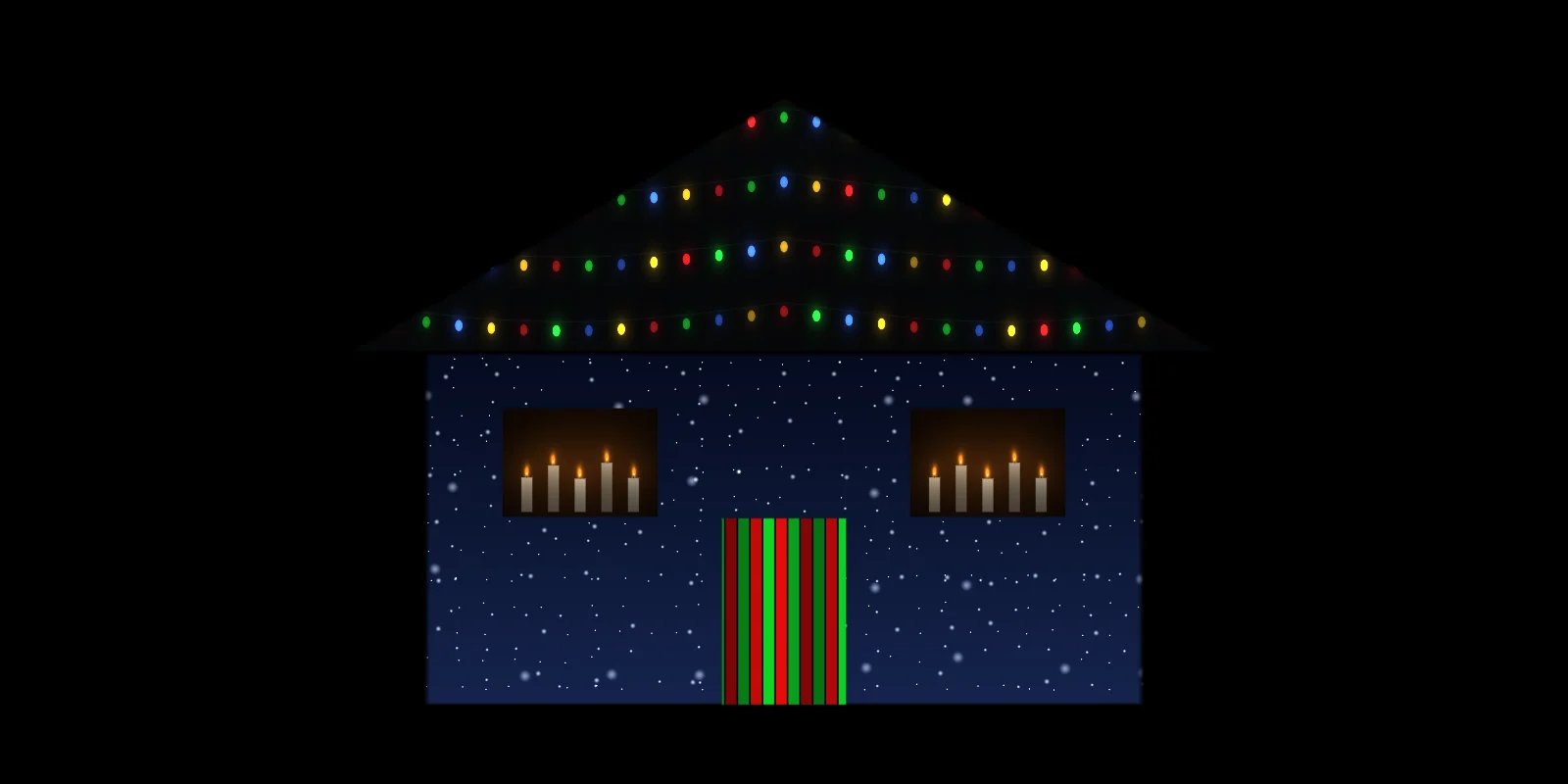
Trace the windows, walls and door, then switch from Halloween to Christmas to New Year without moving the projector.
House front · Window · Garage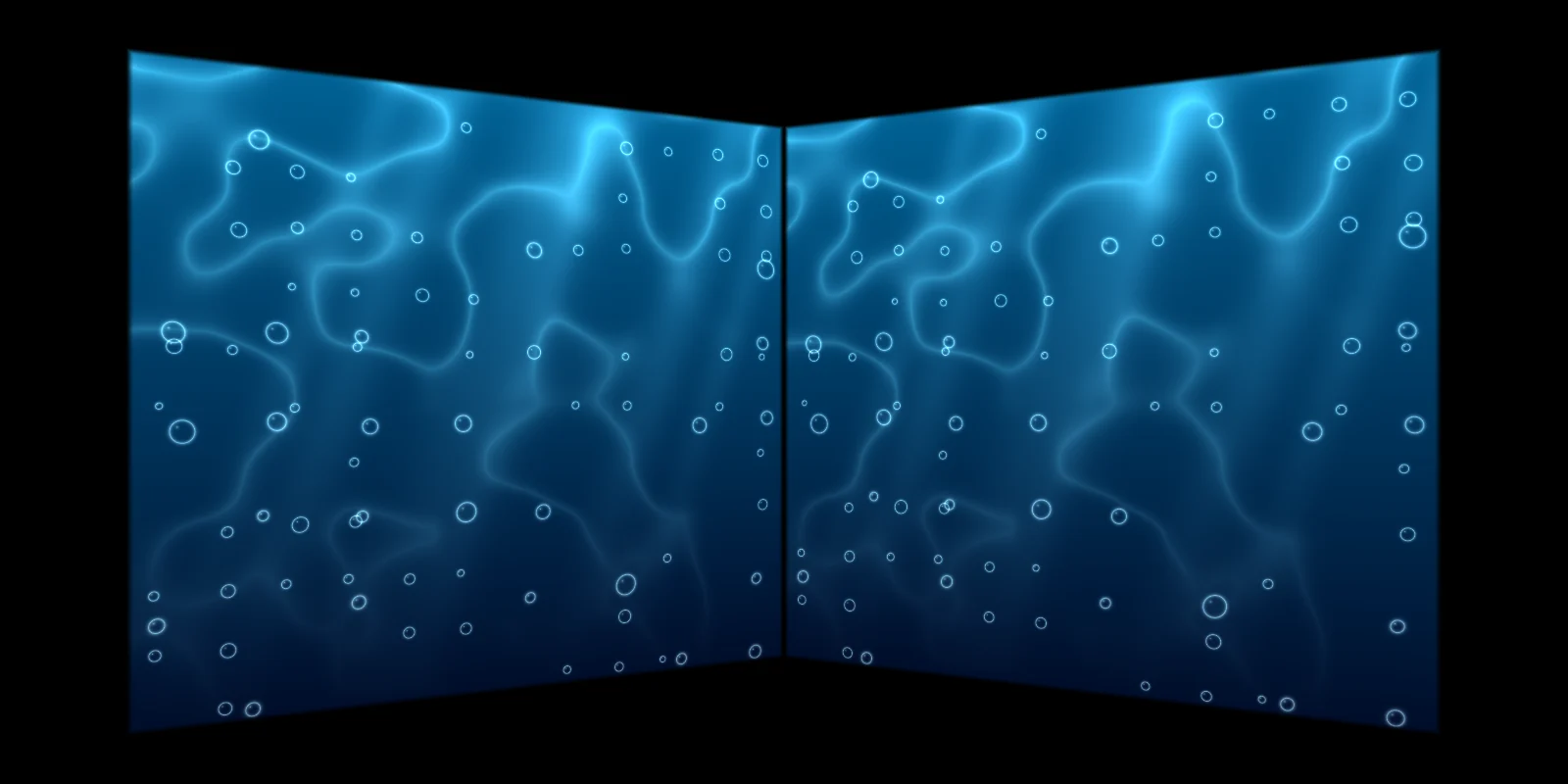
Wrap two walls in an ocean, a starry sky or an aurora for a lesson, a sensory room or a pop-up.
Room corner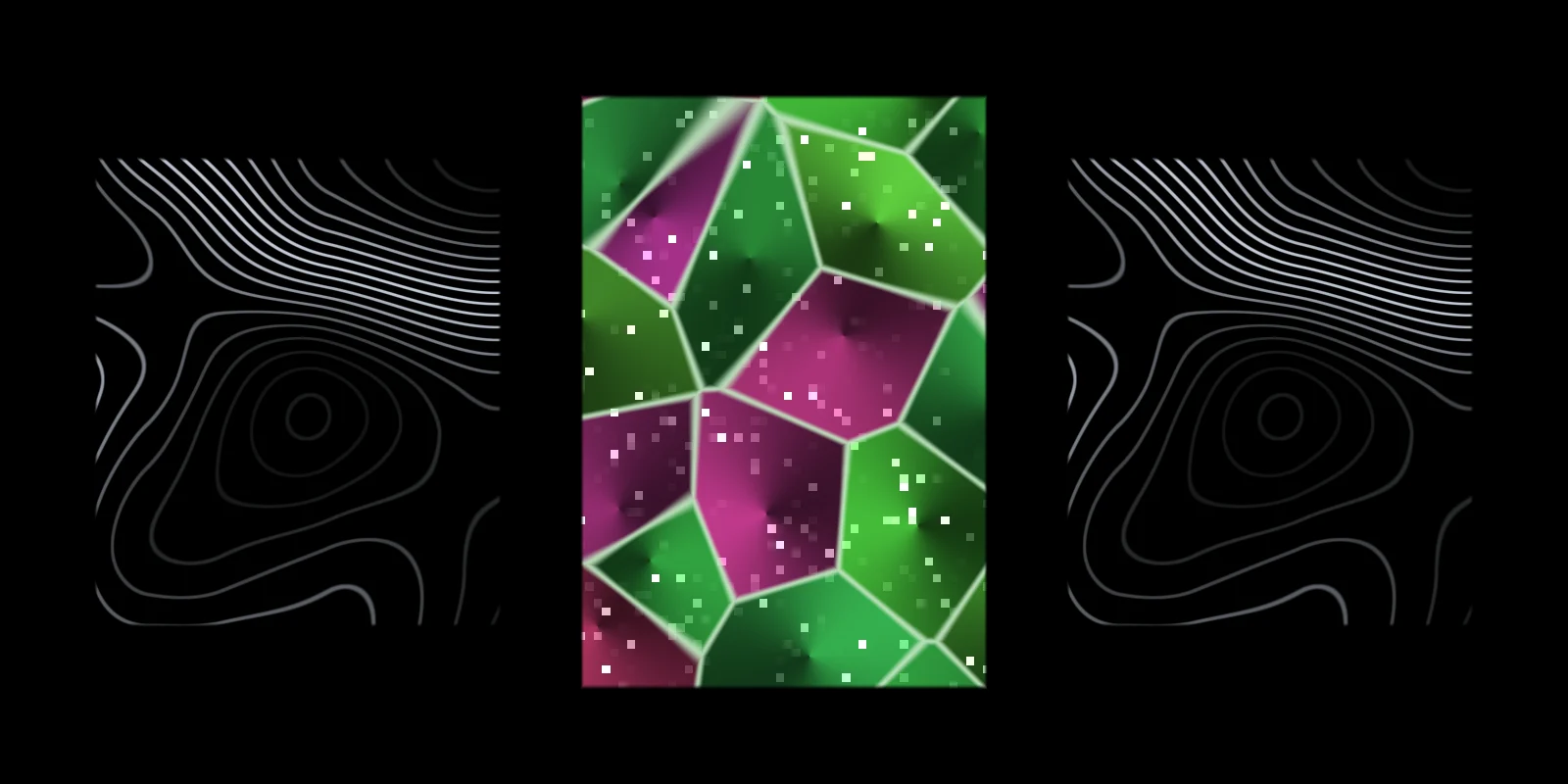
Contour lines, crystal facets, a plexus network or a spinning globe on panels, plinths and walls, for an exhibition or a pop-up.
Three panels · Cube · Round objects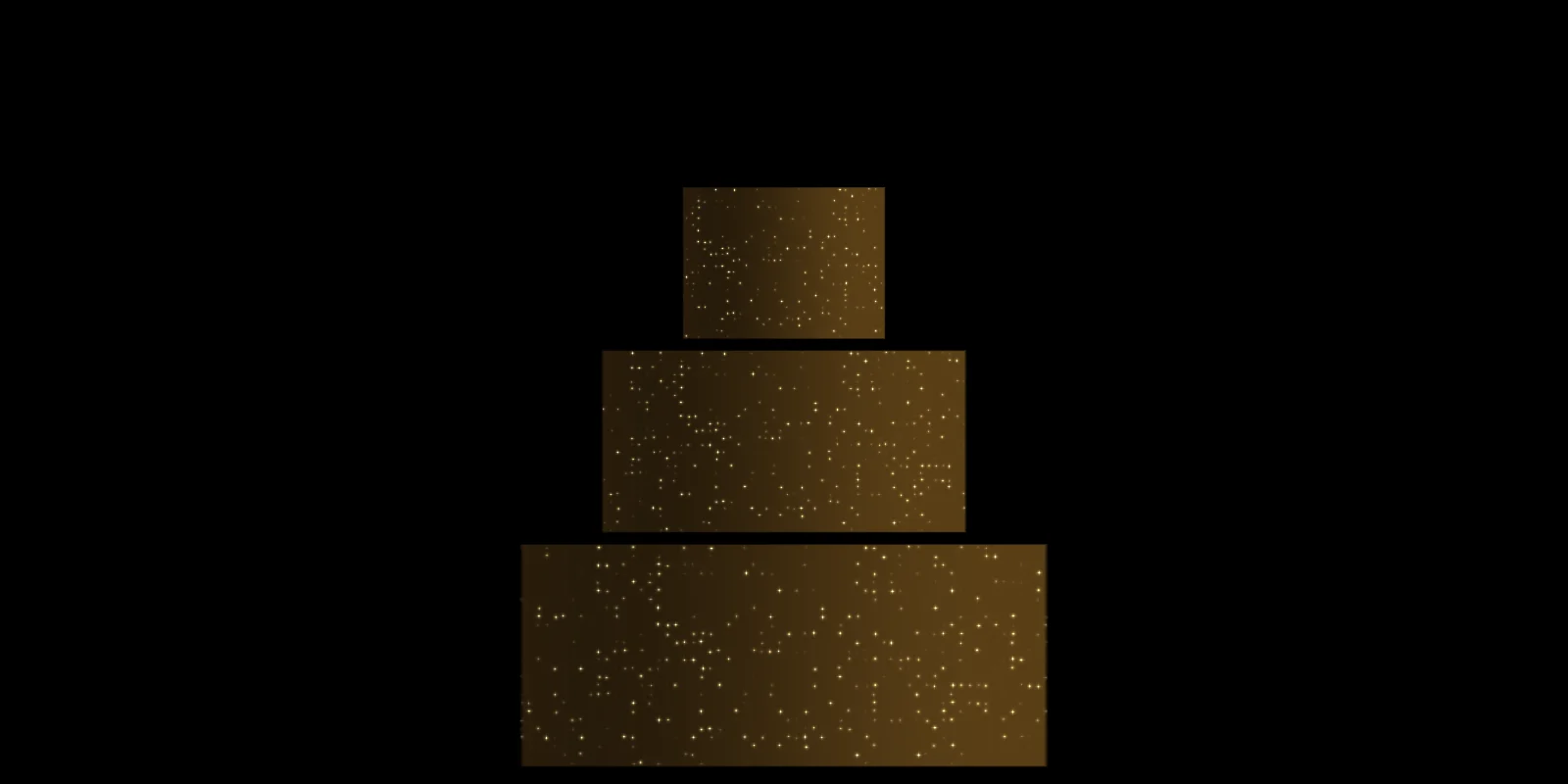
Gold glitter or petals on the cake, a glowing backdrop behind the head table, light that moves with the first dance.
Wedding cake · Three panels
Animate the display, the sign or the whole front after closing time, with your own product video on any surface.
Shop front · Columns02How it works
You need a projector and a laptop, tablet or phone that can connect to it. Everything else happens in the browser.
At the stage, the wall, the window or the object. Open the projector window on that screen, or connect a phone or tablet with an HDMI adapter or screen mirroring.
Start from a template and pull each corner onto the real edge. Shared corners stay welded, and the calibration grid shows exactly where every surface lands.
Choose an animation per surface, save the set as a look, and crossfade between looks by hand, on a timer, or in bars of music.
03Mapping
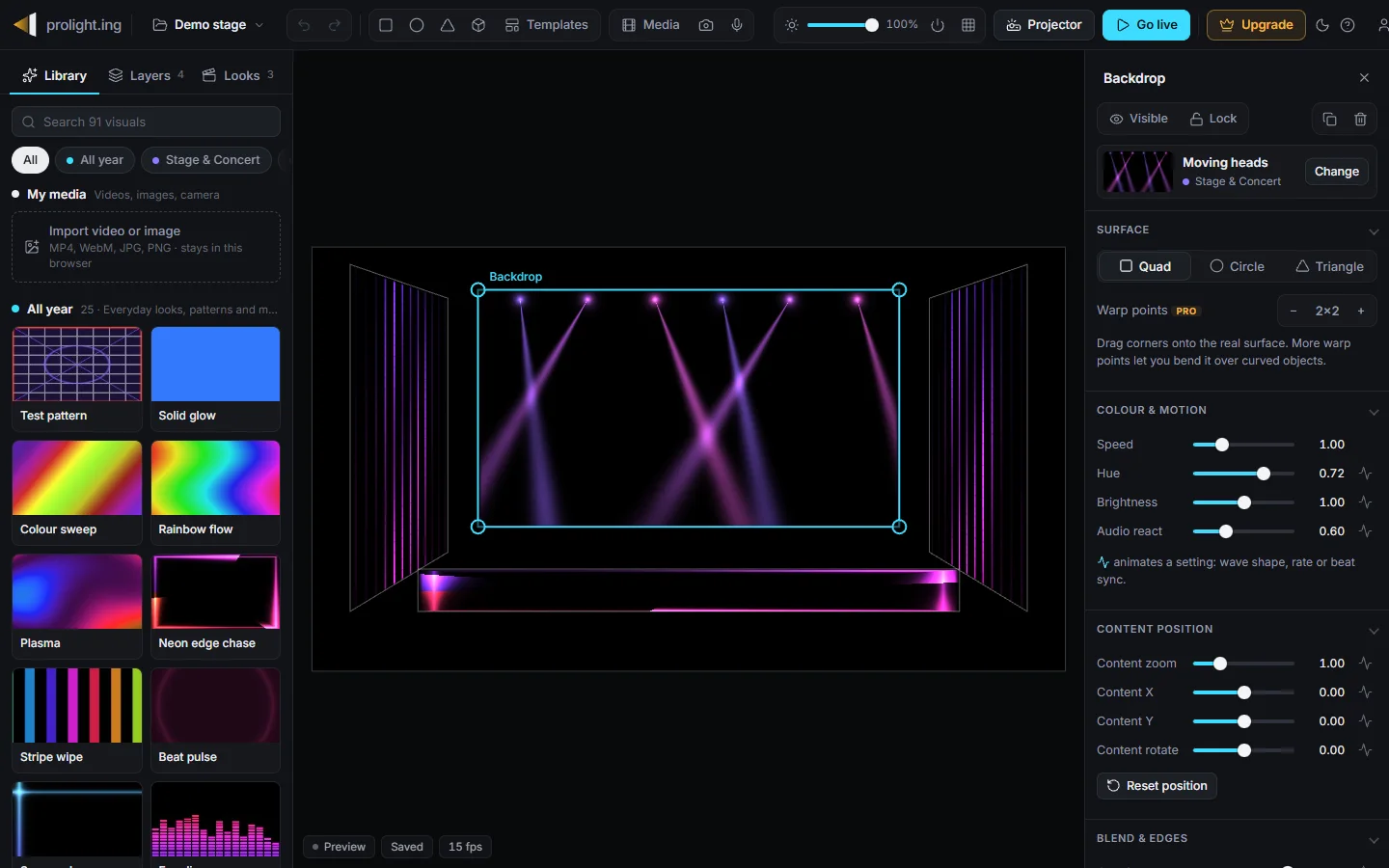
Every surface is warped with true perspective, so a flat seen from the side of the hall still lines up at all four corners.
04Looks and music
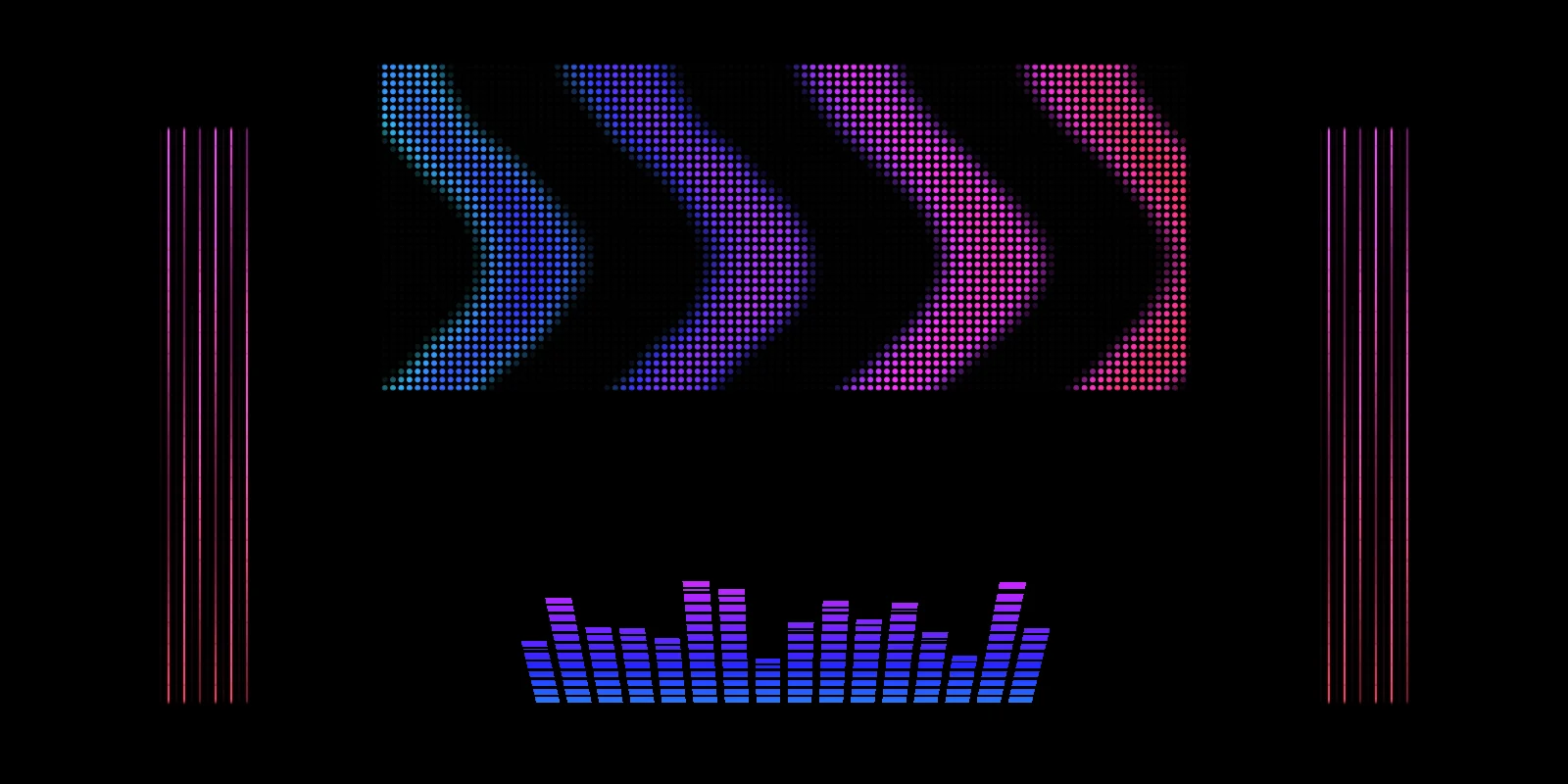
Save a look for each song, scene or holiday and switch with a smooth crossfade, or let the show run through them on its own.
05Output
The editor stays on your laptop. The projector gets a full-screen window with nothing else on it.
06Visual library
Concert beams and LED walls, rose windows, crystal facets, wireframes and a spinning globe, plus snow, ghosts and fireworks for the holidays. Nothing is a looped video, so colour, speed, size and position are yours to adjust, and every pack has free visuals.

15 visuals. Test pattern, Solid glow, Colour sweep, Rainbow flow, Plasma, Neon edge chase…

17 visuals. Hex tunnel, Neon rings, Strobe, Bar strobe, Light sweep, Laser grid…

4 visuals. Logo glow, Light sweep logo, Beat pulse logo, Countdown.

4 visuals. Rose petals, Golden bokeh, Fairy light curtain, Sky lanterns.

3 visuals. Brick light-up, Windows at night, Edge trace.

4 visuals. God rays, Heaven clouds, Candle field, Soft waves.

4 visuals. Fireplace, Ocean from above, Starfield drift, Forest canopy.

4 visuals. Stadium lights, Team colour wave, Match clock, Goal celebration.

3 visuals. Waving flag, Vertical tricolour, Fireworks in colours.

4 visuals. Night drive, CRT screen, VHS tape, Pixel fire.

3 visuals. HUD rings, Radar sweep, Code terminal.

3 visuals. Liquid ink, Holographic foil, Neon circuit.

4 visuals. Googly eyes, Jelly friends, Fish tank, Happy faces.

2 visuals. Islamic star, Seigaiha waves.

6 visuals. Moving heads, Blinders, LED bars, Chevrons, Follow spots, Stage curtain.

6 visuals. Radar rings, Contour lines, Op art tiles, Wire mesh, Lit facets, Earth globe.

4 visuals. Jack-o'-lantern, Ghosts, Halloween colours, Wall monster.

6 visuals. Snowfall, String lights, Candy cane, Red & green chase, Blizzard, Candlelight.

2 visuals. Fireworks, Confetti.

1 visuals. Floating hearts.

2 visuals. Cherry blossoms, Spring rain.

3 visuals. Fireflies, Ocean waves, Sunset.

1 visuals. Falling leaves.

3 visuals. Crescent & stars, Diyas, Hanukkah lights.
07Compared
Effect projectors are easy but throw one flat picture over everything. Professional mapping software follows every edge, but costs hundreds of dollars and takes days to learn. Phone mapping apps stay on the phone and usually want a subscription.
| Effect projector | Pro mapping software | Phone mapping apps | mapplight.com | |
|---|---|---|---|---|
| Follows the shape of the surface | No, one flat picture | Yes | Yes | Yes |
| Time to first show | Minutes | Days of learning | An evening | An evening |
| Runs on | The device itself | Mostly desktop | Phone and tablet only | Laptop, desktop, tablet and phone |
| Content | Fixed loops | Bring your own | Large libraries, most behind Pro | 108 adjustable visuals, plus your own |
| Cost | Buy a new one for new content | Hundreds of dollars or a subscription | Monthly or yearly subscription, prices in the app store | Free, or one payment, prices belowFree |
Not the right tool for shows with several projectors blended together, timecoded shows locked to a soundtrack, or MIDI and DMX control. For those, desktop software like MadMapper, Resolume or TouchDesigner is the better fit.
08Pricing
The free plan is a real plan, not a trial: no watermark, and your projects save. Upgrade when you want every visual, for one season or for good.
Prices in USD. Local sales tax or VAT is added at checkout by Polar, our merchant of record. 14-day refund, no questions asked.
08FAQ
Anything a projector can reach: stage backdrops and set flats, a DJ booth, building facades, gallery walls and plinths, the walls of a room or classroom, shop windows, a house front, a garage door, boxes, pillars, a cake. Light, matte surfaces work best. Templates cover the common layouts, and you can add quads, circles and triangles for anything else.
Any projector with an HDMI input. Indoors in a dark room, 1,000 to 2,000 ANSI lumens is plenty for a backdrop or a wall. Outdoors, a whole house front on a street with lights needs 3,000 or more. Turn off the projector's keystone correction: mapplight.com does the geometry. The projector guide has the details.
Yes. Map the backdrop, wings and stage front with the Stage template, save a look per song or scene, and switch with a crossfade from the laptop at the side of the stage. Visuals can follow the music from a browser tab, the microphone or a tapped tempo. For multi-projector blends, timecode or DMX, use desktop software instead.
No. The editor plays the whole show on your screen, so you can lay out a template, pick visuals and save your looks first. Connect a projector when you are ready.
Yes. The free plan has 108 visuals across every pack, unlimited surfaces and projects, 3 looks per project, projector output, music sync and your own videos. No watermark, no time limit, and you don't even need an account.
No. You pay once and get 90 days of Pro. It never renews, and we never charge you again unless you buy another pass. Buy a second pass while one is active and the days add on.
Yes. Everything runs in the browser. On a laptop you can open a separate projector window; on a phone or tablet, connect to the projector with an HDMI adapter or screen mirroring and tap Go live.
No. Projects and imported media are stored in your browser. Your account only holds your email, name and purchases, so Pro follows you to other devices. Use Export to move a project.
Current Chrome, Edge, Safari and Firefox on any device with WebGL 2, which covers practically every computer, phone and tablet from the last few years. The separate projector window works best in Chrome or Edge on a computer.
Lazy Lighting is a good phone app for iPhone, iPad and Android, with a bigger visual library and MIDI support. mapplight.com runs in any browser, including Windows and Mac computers, keeps 108 visuals free with no watermark., and is a one-time payment instead of a subscription.
Yes. Email us within 14 days of buying and we refund in full, no questions asked. You deal with us directly, not an app store. See the refund policy.
09Start here
What projection mapping is, the gear you need, and a first project you can finish in an evening.
Beginner's guide →Real lumens for a room, a stage or a house front, throw distance, and what to buy at each budget.
Projector guide →Backdrops and set flats for a school play or a gig, without shadows, with a look per scene.
Stage guide →Popular guides
Open the app, pick a template, and see your first surface light up in a few minutes. Free.